Windows Installer 5.0

Illustration

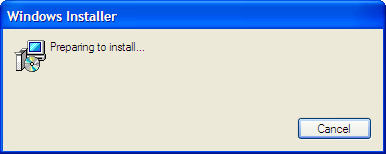
Windows 7 and Windows 2008 R2 will come with Windows Installer 5.0. Main reason for my happiness is not having to install any prerequisites for SQL Server 2008 on those platforms (currently: Windows Installer 4.5 and PowerShell 2.0).

Except for that there is no significant change. I would just point to Hyperlink Control which is long over due and MSIFASTINSTALL attribute if you wish to shorten time for installations.

It will be available for platforms ranging from Windows 2000 and above.

No Beta 2

As noted on Engineering Windows 7 blog, there will be no beta 2 for Windows 7. Next version will be Release Candidate and final version after that. Although timeline was not given, it seems to me that we will have it this year.

Ćevapi

One of main points of entrance to my web page is page where I talk about ćevapi (or ćevapčići, chevapi, chevapi’s, chevaps and half a dozen other names). As there are many names for them, there are also many recipes. Not only that recipes differ in size, shape and spices but also in types of meat used to produce them. Which kind is best will differ from region to region of ex-Yugoslavia. In restaurants where ćevapi are main selling point you will rarely be able to get recipe. They do keep it as family treasure.

Origin

Although wikipedia states that ćevapi are Turkish dish I cannot see who exactly concluded that. Although name does seems similar to kebab they are made quite differently (e.g., kebab is not made from minced meat). I am closer to those guys who call it a Bosnian dish with some inspiration drawn from Turkish treats (they did lived together for a while).

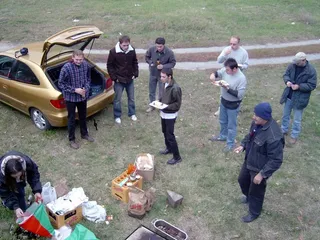
Croatia is not their country of origin but we do enjoy making and eating them and I (as Croat) will give you my favorite recipe for times when I want to cook something outdoors (you should make ćevapi on charcoal grill).

Notice
Illustration

I will use proper measurement system (a.k.a. metric) for everything in this article. If you really need imperial units just use online converter.

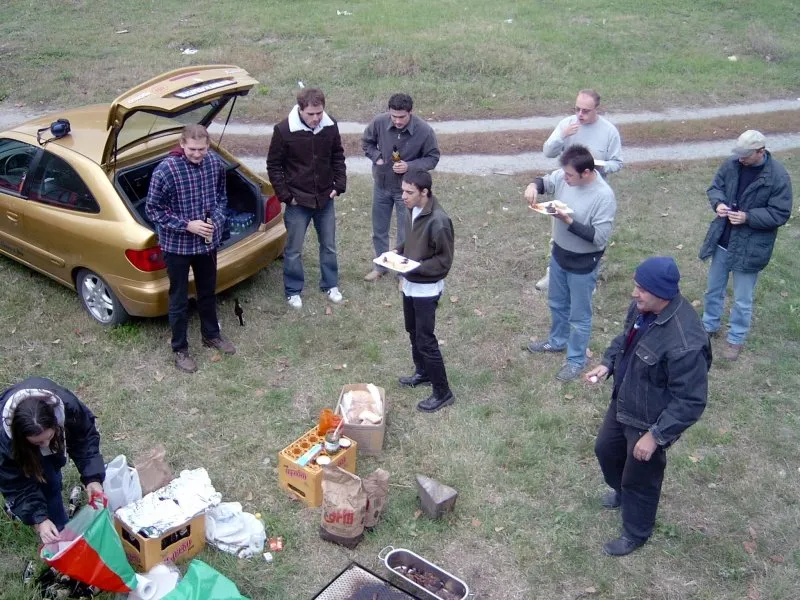
All measurements here will be given for total of 1 kg of ćevapi. If you wish to make larger amount just multiply it by factor. It scales perfectly. In case you are wondering how much mouths can 1 kg of ćevapi feed, I cannot help you. It may be anywhere from 2 to 10. It all depends on side dishes you provide and/or additional meat on table (I always combine it with sausages and/or bacon). For my family and close friends I tend to anticipate meat usage to be in range of 0.5 kg per person but take a notice that we do like to eat and we do have some (minor) leftovers.

Recipe
Illustration

I start with equal amount of pork and beef (0.5 kg of each). You should grind them together in meat grinder. If you do not have meat grinder don’t use food processor. It tends to either leave large chunks of meat as a whole or destroy texture of meat altogether. Just buy pork and beef as minced meat at your favorite butcher. It should be fresh and not frozen like in big stores.

Add 12 g of salt and 8 g of pepper (if you find it too spicy, keep salt as it is, just remove some pepper). From time to time I like to add little bit of hot paprika in a mix (you may use chili powder but it is not the same).

I like to add one chopped onion (very small pieces, please) and two cloves of garlic (smashed into a very smooth paste). This gives totally different taste to them but I know a lot of people that do not like onions so you may want to check.

If meat has lot of fat you may add little bit of old bread in the mix (2-3 slices per kg). It will blend nicely with meat and kill a little bit of fatty taste. If you are using 80/20% meat, ignore this step.

Mix everything you added by hand for few minutes until it blends together.

Now you should form ćevapi using 2-3 cm sausage funnel but you can also use top of bottle (cut the bottom off) and force mix through it. Cut longer sausage-like strips in 5-10 cm (if you cut it shorter then each will be easier to handle on grill but there will be more of them to handle and they tend to dry out). My preferred size is 2.5x10 cm (or 1x4 inches, for SI challenged).

Grilling

Do not put them on open flames - that is not point of grilling. You should always strive to cook them longer on lower heat. Total time should be 5-15 minutes (depends mostly on their thickness) with a few turns when each side is done. Meat should be well done on outside and done on the inside. If you have something rare - you did it wrong.

You should serve it in lightly grilled flat bread.

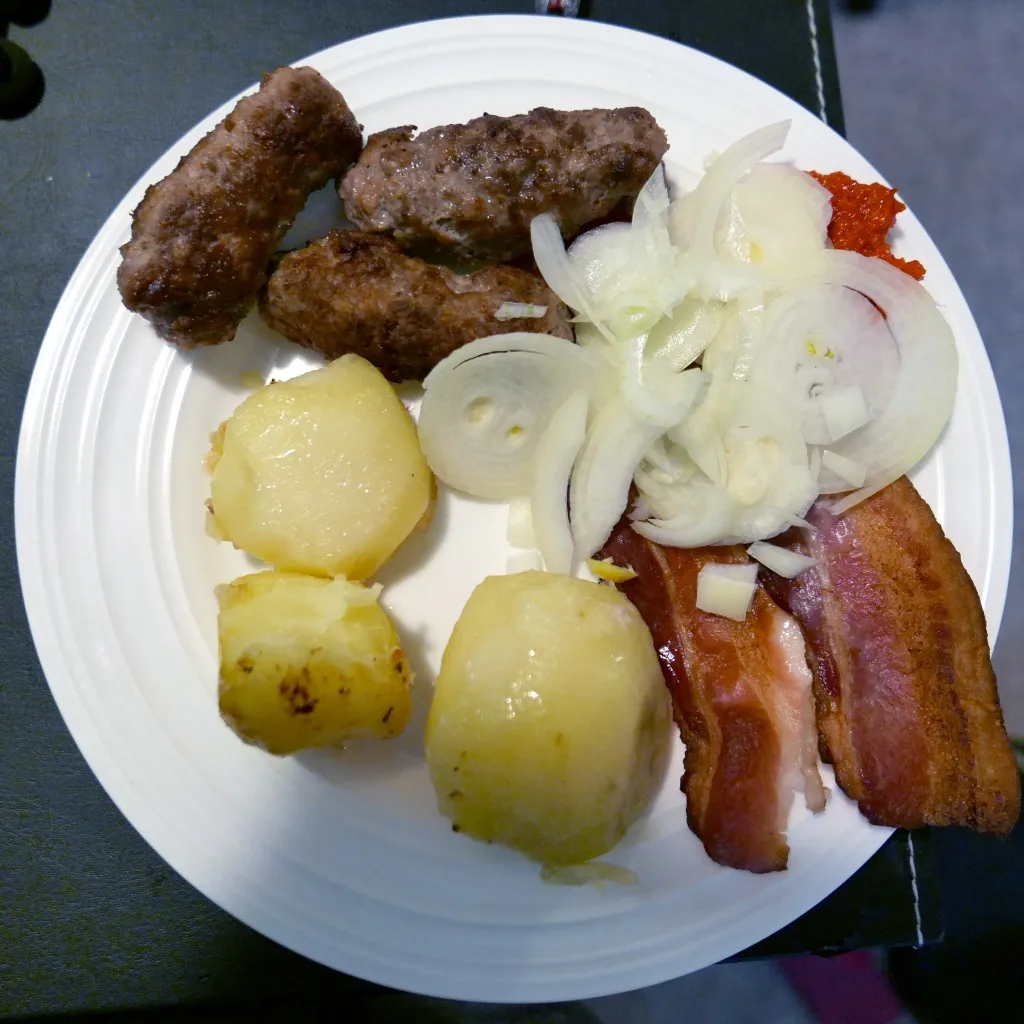
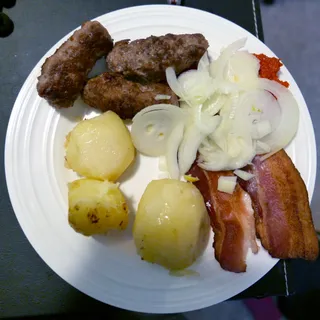
There are lot of side dishes you can serve but I do tend to like ajvar the best. Freshly chopped onions (thick rings) does work but don’t kiss anybody after. Some people like sour cream but I’ll skip that.

Enjoy.


Ingredients:

  • 500 g beef
  • 500 g pork
  • 12 g salt (about 2 teaspoon)
  • 8 g pepper (about 1½ teaspoon)
  • 1 onion (or 25 g (about 3 tablespoon) dried onion flakes)
  • 2 garlic cloves (or 1.2 g (about ¼ teaspoon) garlic powder)
Versions

Illustration

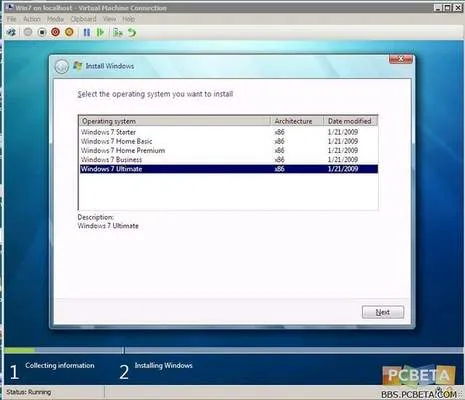
Tom’s Hardware got its hands on Windows 7 build 7025. As you can see, Windows 7 seems to be on Vista path regarding six different versions (don’t forget enterprise).

I find this situation quite annoying. Not only that it creates confusion which version has what but it also creates problems when I want to upgrade (Croatian customers are not worthy to upgrade over Internet).

What is wrong with three versions only: Home, Business and Ultimate.

Home would be same like Home Premium (most of computers come with this anyhow). Business would be the same as now. Ultimate would have it all.

All visual features of Windows 7 (new taskbar, gadgets and other stuff) should be available in all versions and customers would not wonder why Windows 7 doesn’t look anything similar to what they saw on other computer (e.g. Vista Basic problem).

I would find this system much easier to live with.


[Unfortunately, Microsoft went with it’s six pack scheme. It is Starter, Home Basic, Home Premium, Professional, Enterprise, Ultimate]

Windows 2008 Workstation

Windows 2008 Server was publicized as greatest OS ever. It did share its base with Windows Vista but it was “sooooo much better”. Some guys even advocated use of it as client OS for power users.

Since one Belgian MVP deemed me worthy of MSDN Premium subscription (I hope that it will last until Windows 7 is out) I decided to take full advantage of it and download Windows 2008 Server (Standard Edition). Since I wanted to try everything it has to offer I gave it home on my new laptop - 64-bit capable. Plan was to install it over Vista since I haven’t anticipated any problems and that Hyper-V thing looked worth sacrificing all disk space for.

Illustration

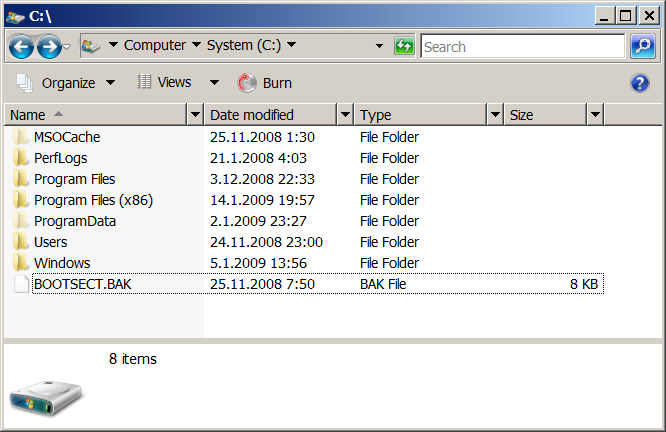
Installation procedure looked strangely familiar but after installation finished and everything booted up, I saw worst looking Windows interface ever. It looks like old lady with face stretched from all plastic surgeries she had in order to look younger. But no matter how persistent, at one point she needs to admit that there are more better looking young girls than her and just give up on whole “young look” thing. For me first impression with 2008’s default theme was just that. Once good looking interface ruined by all breadcrumbs, column modifiers (if they are called like that), some blue/green buttons sticking out… You can see that it was not designed for that. I do know that you can get that same look in Windows Vista if you go on classic road but normal person will never see it since default is Basic theme (or Aero if your card is detected by installation). Does it take that much memory to show Vista Basic look by default and put this old interface to retirement?

Additional steps

Since I wanted system to look and behave like Vista (good parts of Vista), I needed to install some additional stuff. First there was Desktop Experience installation. After that you don’t get anything since you need to start Themes service manually (!). I needed sound so I started Audio service also (was it so hard to make it a checkbox choice at features window?) Since I do search a lot, Windows Search was installed next. I found installation procedure for SuperFetch also but it required some changes that I was not comfortable with. Of course I installed Hyper-V. That is one feature that could make whole procedure worth the pain of doing everything manually.

Good

It is stable and looks just like Vista. Quite a lot of people didn’t even notice that there was server on my laptop. Also every program and driver that worked on Vista, worked here also. I didn’t notice that it was anything faster than Vista, but I cannot say that it was any slower. Since no benchmarks were taken, take this as my “feels good” grade.

I liked Hyper-V very much. It is hard to say anything more in details about such non-interesting topic like virtualization so “liked it very much” will suffice for now.

Bad

Someone decided that Server doesn’t need any bluetooth drivers. Never mind fact that those drivers came with Vista and as such already had Microsoft’s stamp of approval. Never mind all administrators which were used to install new OS on any computer they can get hold of (testing it before deployment). You couldn’t even use drivers from Vista since some file parameters didn’t match. However, with small file change I did manage to install them but whole episode leaves bitter taste.

I do not have slow laptop. 2+ GHz dual core processor, 4 GB of RAM and 250 GB hard drive are good figures (in my opinion at last). That is why I hated to be laughing object of friends when I played music and tried to do anything else. Whenever there was any activity on system, Windows Media player would pause for part of a second and then continue with playing thus producing nice stuttering effect. No other player had any problems so I assume that this was some optimization on Microsoft’s side - thanks for nothing. [2009-01-26: Yes indeed, that was an optimization]

I also had some problems with non-Microsoft software. Some programs detect that you are running server version and thus deduce that some more money for their software would be great. Why same software is more valuable if I use it on different system - I do not know.

Ugly

Hyper-V is great but consequence of it is not. Once Hyper-V role is activated you lose your sleep. For some reason Microsoft decided to kill sleep option if Hyper-V is installed. Although I cannot figure why implementing support for sleep is so hard - Hyper-V does have pause button. Just pause all machines when going to sleep. Idiotic thing is that computer will not have sleep enabled even if you are not running any virtual machines. What is rationale for this?

What do I run now?

Windows Vista. It is just so much more user friendly.

Although occasionally I wake up crying for Hyper-V.