Programming in C#, Java, and god knows what not

ISO 8601 Week

For a program of mine I needed to get week number. Simple, I though, I’ll just use standard function. I knew from past that C# had one. I also knew that it offered me a choice of how to determine first week. I could start counting weeks starting from first day in year, first full week or first week that has four days in it.

Short trip to Wikipedia has shown that ISO 8601 date standard has part that deals with weeks. One of alternative definitions read that it is “the first week with the majority (four or more) of its days in the starting year”. With that sorted out, code was trivial:

private static int GetWeekNumber(DateTime date) {
    var cal = new GregorianCalendar();
    return cal.GetWeekOfYear(date, CalendarWeekRule.FirstFourDayWeek, DayOfWeek.Monday);
}

Nice, clean and wrong. Week numbers for all years that begin on Thursday were incorrect. For example, January 1 2009 is Thursday. According to ISO 8601 that means that this is first week and Monday, December 29 2008 is it’s first day. Result should have been 1 but .NET returned 53 instead. Probably something to do with United States and week starting on Sunday.

In any case, new algorithm was needed. Simplest thing would be to do all steps that a person would do in order to calculate it:

private static int GetWeekNumber(DateTime date) {
    var currNewYear = new DateTime(date.Year, 1, 1);
    var currFirstThursday = currNewYear.AddDays((14 - (int)currNewYear.DayOfWeek - 3) % 7);
    var currFirstMonday = currFirstThursday.AddDays(-3);

    if (date >= currFirstMonday) {
        var nextNewYear = new DateTime(date.Year + 1, 1, 1);
        var nextFirstThursday = nextNewYear.AddDays((14 - (int)nextNewYear.DayOfWeek - 3) % 7);
        var nextFirstMonday = nextFirstThursday.AddDays(-3);
        if (date >= nextFirstMonday) {
            return 1 + (date.Date - nextFirstMonday).Days / 7;
        } else {
            return 1 + (date.Date - currFirstMonday).Days / 7;
        }
    } else {
        var prevNewYear = new DateTime(date.Year - 1, 1, 1);
        var prevFirstThursday = prevNewYear.AddDays((14 - (int)prevNewYear.DayOfWeek - 3) % 7);
        var prevFirstMonday = prevFirstThursday.AddDays(-3);
        if (date >= prevFirstMonday) {
            return 1 + (date.Date - prevFirstMonday).Days / 7;
        } else {
            return 1 + (date.Date - currFirstMonday).Days / 7;
        }
    }
}

Can this code be written shorter? Of course:

private static int GetWeekNumber(DateTime date) {
    var day = (int)date.DayOfWeek;
    if (day == 0) { day = 7; }
    var nearestThu = date.AddDays(4 - day);
    var year = nearestThu.Year;
    var janFirst = new DateTime(year, 1, 1);
    return 1 + (nearestThu - janFirst).Days / 7;
}

This algorithm is described on Wikipedia so I will not get into it here. It is enough to say that it is gives same results as first method but in smaller volume.

Finally I could sleep at night knowing that my weeks are numbered. :)

P.S. If someone is eager to setup their own algorithm, here is test data that I have used. Most of them were taken from ISO 8601 week date Wikipedia entry but I also added a few:

Sat 01 Jan 2005  2004-W53-6
Sun 02 Jan 2005  2004-W53-7
Mon 03 Jan 2005  2005-W01-1
Mon 10 Jan 2005  2005-W02-1
Sat 31 Dec 2005  2005-W52-6
Mon 01 Jan 2007  2007-W01-1
Sun 30 Dec 2007  2007-W52-7
Tue 01 Jan 2008  2008-W01-2
Fri 26 Sep 2008  2008-W39-5
Sun 28 Dec 2008  2008-W52-7
Mon 29 Dec 2008  2009-W01-1
Tue 30 Dec 2008  2009-W01-2
Wed 31 Dec 2008  2009-W01-3
Thu 01 Jan 2009  2009-W01-4
Mon 05 Jan 2009  2009-W02-1
Thu 31 Dec 2009  2009-W53-4
Sat 02 Jan 2010  2009-W53-6
Sun 03 Jan 2010  2009-W53-7

P.P.S. Getting year and day in week is quite simple and thus left for exercise of reader. :)
Padding Length

Quite a lot of modern protocols have padding requirements. One great example is Diameter. All attribute values there are aligned on 4-byte boundary. Reason behind such complication is in data structure alignment. While only benefit on x86 architecture is (usually minor) speed increase, on RISC processor it makes difference between doing some work or crashing in flames.

Most common alignment is on 4-byte boundaries. If we have something with length of 5, aligned length will be 8. However for length of 4, aligned length is also 4. Code is as simple as it gets:

public int GetPaddedLength(int len) {
    if ((len % 4) == 0) {
        return len;
    } else {
        return len + 4 - (len % 4);
    }
}

Lengths that fall into alignment by their own devices are not touched while all other get small boost. Of course that code can be a bit shorter if one is comfortable with C# ternary operator (present in almost all C-like languages):

public int GetPaddedLength(int len) {
    return ((len % 4) == 0) ? len : len + 4 - (len % 4);
}

And, if other alignment is needed, small generalization is all it takes:

public int GetPaddedLength(int len, int align) {
    return ((len % align) == 0) ? len : len + align - (len % align);
}

Null Object Pattern

One of more dangerous patterns that I have seen is Null object pattern. Premise is simple enough: Instead of your function returning null (e.g. when it cannot find an item) it should return special empty object. This avoids null references exception if such object is accidentally used. With simple change to way how we return object we just got rid of crashes. What could go wrong?

Well, someone might implement new functionality a year down the road. Not knowing about this behavior he will check for null in some border line case. Since change is small, no one will do full testing (of course, in real world, any change triggers full retesting :)). His borderline behavior just went from well defined (check for null and take action) to pray that empty object does not get inserted into main program flow.

Exceptions are your friend. That kind of friend that will kick you in the arse when you do something wrong. Having empty object instead of null will indeed stop the crash. However, there is now empty object floating around. Programs are complex and this object is bound to get into wrong place. Best case scenario is that no data gets corrupted.

Null reference exceptions that you would get traditionally are probably among simplest exceptions that you can find in the wild. From stack trace you can see where object is null and just backtrack from there. And probability of data corruption is quite low since program crashed before actually doing anything with affected object. Even if something wrong got inside, crash is quite a clear signal that something is amiss.

Debugging any errors produced by this pattern is not a trivial task. You will probably only notice that something is wrong on data. And you will not notice that error immediately. No, it will be in database for days, weeks if not years until some TPS report exposes it to public. And then you need to find offending code. Talk about needle in haystack…

I view using this pattern as telling someone to kick you in the balls. Maybe there is good reason to take such action, maybe there are even some benefits. Nevertheless there will be some pain involved and one should better be sure that this is really action that is needed.

Choose Your Poison

When dealing with programs there are almost always multiple ways to write same thing. Rule of thumb is usually to write it in most readable way. And there people start disagreeing what exactly is readable. Let’s take simple condition:

if (object.equals(obj1, obj2)) {
    ...
}
if (object.equals(obj1, obj2) == true) {
    ...
}

Both these statements do exactly same thing. Heck, they even get compiled to same code. However most programmers I have ever met prefer first one. It just makes intention clear in shorter form.

It’s negative cousin would be:

if (!object.equals(obj1, obj2)) {
    ...
}
if (object.equals(obj1, obj2) == false) {
    ...
}

Again, both statements are same. But I can bet that they will do almost perfect split among programmers. Half of them will prefer concise form with other half preferring longer form. Reasons will vary. For some exclamation mark is too easy to omit when scanning code. For some longer form just sticks out for no good reason.

Personally I passionately hate negative statements and I will avoid them whenever I can. If I really need them I am in group that strongly believes that later form, while longer, is superior as readability goes. For me that is worth seven additional characters. Strangely enough, in positive cases, I omit true.

P.S. One more variation of negative case would be:

if (!(object.equals(obj1, obj2))) {
    ...
}

It might as well be in goldilocks zone. It gives a bit more visibility to exclamation mark by enclosing everything in another set of brackets. Of course, given statement long enough, it can look rather crowded.

WordPress Noindex

As I was checking search for my website I noticed that Google would return essentially same page multiple times in search results. One result pointed to post, second one pointed to same post but within categories and third would be same again but in archives. Not what you can call great search experience.

On WordPress platform (that is used here) solution is really simple. All pages that I don’t want shown I can block from Google via robots meta attribute with content “noindex,follow”. Simplest way to do this is to directly edit header.php file and, below

tag, just write:

<?php
    if (!is_singular()) {
        echo '&lt;meta name=&quot;robots&quot; content=&quot;noindex,follow&quot; /&gt;';
    }
?>

If page is singular in nature (e.g. post, page, attachment…) nothing will happen. If page is collection, one simple html attribute is written.

While this is simplest solution, it is not upgrade-friendly. For each new WordPress version, same change will be needed. Better solution would be to pack this into plugin so each new version can continue using it without any change. Creating plugin in WordPress is as easy as filling some data in comment (e.g. plugin name, author and similar stuff) and then attaching to desired action. In our case full code (excluding plumbing) would be:

add_action('wp_head', 'nonsingular_noindex_wp_head');

function nonsingular_noindex_wp_head() {
    if (!is_singular()) {
        echo '&lt;meta name=&quot;robots&quot; content=&quot;noindex,follow&quot; /&gt;';
    }
}

Whole plugin can be downloaded here. Just unpack it into wp-content/plugins directory and it will become available from WordPress’ administration interface.

Old Fella Is Here to Stay

Illustration

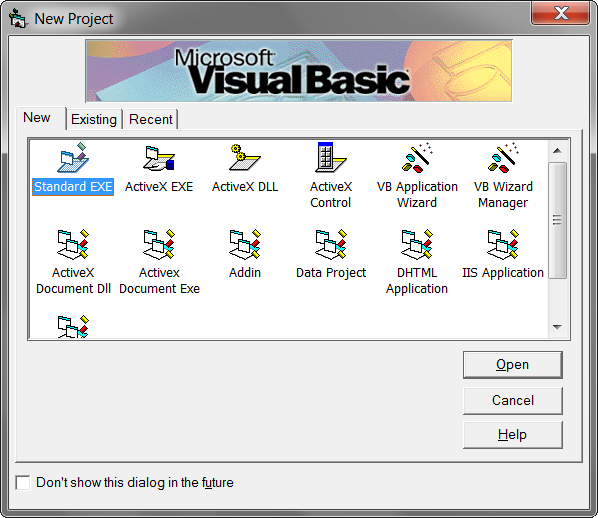
Visual Basic 6.0 seems to be indestructible.

Windows 8 officially offers support for Visual Basic 6 run-time and limited support for it’s IDE (yes, believe it or not, it still works).

For those counting, that means end-of-life earliest at year 2022. Since it was created in year 1998 that gives an impressive 24 years of support. Name me one language that had longer support for single version. Yes, Marc, I know of Visual C++. Name me some other. :)

First program I ever sold (and quite a few afterward) was written in this beautiful language. It was not powerful. It was not fast. It was not even sensible at times. But it got job done and that is what counts.

While I am happy with my current choice of C# I cannot but smile at simpler times and language that marked them. May it live forever (or until Windows 9, whichever comes first).

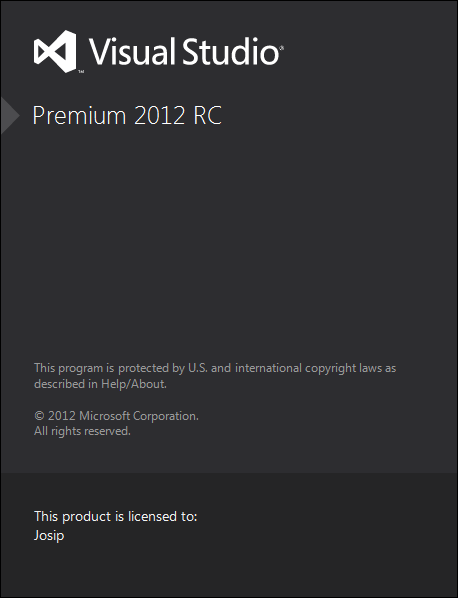
Visual Studio 2012 RC

Illustration

First thing that you will notice when starting Visual Studio 2012 RC is that things got slower. It is not as bad as Eclipse but it is definitely not as speedy as Visual Studio 2010. Second thing you will notice is SCREAMING CAPITAL LETTERS in menu. This change was done in desire to Metro style everything and increase visibility. I can confirm success since it sticks out like a sore thumb.

Fortunately, once you get into editor, everything gets better. There are no major changes for users for old Visual Studio but evolution steps are visible. Find/Replace got major overhaul. Coloring is improved a bit. Pinning files is nice touch. That sums most of it. It was best editor and it remained as such.

Solution window now shows preview when you go through your files so just browsing around saves you a click or two. Beneath each item there is small class explorer. While this might works for small project, I have doubts that it will be usable on anything larger. But I give it a green light since it stays out of your way.

Beautiful change is that every new project automaticaly gets compiled for Any CPU. This is more than welcome change especialy considering utter stupidity from Visual Studio 2010. I just hope that Microsoft keeps it this way. Whoever is incapable of 64-bit programming these days should probably stick to COBOL.

Speaking of utter stupidities, there were rumors that Express editions will not support proper application development but only Metro subset. While I am not against Metro as such, I consider decision to remove Windows application development as good as Windows Phone is. Or, in other words, it might seem logical in head of some manager but in real life there is no chance of this working.

I see Visual Studio Express as a gateway drug toward other, more powerful, editions. Crippling it will just lead to folks staying on perfectly good Visual Studio 2010. Not everybody will have Windows 8 nor care about them. Since I schedule posts few days/weeks in advance, original post had continued rant here. However, there are still some smart guys in Microsoft so desktop application development is still with us in Express.

If I read things correctly it gets even better. It seems that unit testing and source control is now part of Express edition. That were the only two things missing! Now I am all wired up for Express to come. Judging from experience I should probably tone it down unless Microsoft management decides to take some/all stuff away.

All things considered, I am happy with this edition. It is stable, it has no major issues and it is completely compatible with Visual Studio 2010. For most time it feels like Visual Studio 2010 SP2. Try it out.

Mutex for InnoSetup

Illustration

If you are using InnoSetup for your installation needs you might be familiar with AppMutex parameter. You just give it SomeUniqueValue and make sure that Mutex with same value is created within your application. That way setup will warn you if your application is already running. Useful function indeed.

Simplest way to implement this would be:

static class App {
    private static Mutex SetupMutex;

    [STAThread]
    static void Main() {
        using (var setupMutex = new Mutex(false, @&quot;Global\SomeUniqueValue&quot;)) {
            ...
            Application.Run(myForm);
        }
    }
}

And this code will work if you deal with single user. In multi-user environment this will throw UnauthorizedAccessException. Why? Because Mutex is created within current user security context by default. To have behavior where any instance, no matter which user, will keep our Mutex alive, we need to adjust security a little.

Since making null security descriptor in .NET is real pain, we can do next best thing - give everybody an access. With slightly more code we can cover multi-user scenario.

static class App {
    static void Main() {
        bool createdNew;
        var mutexSec = new MutexSecurity();
        mutexSec.AddAccessRule(new MutexAccessRule(new SecurityIdentifier(WellKnownSidType.WorldSid, null),
                                                   MutexRights.FullControl,
                                                   AccessControlType.Allow));
        using (var setupMutex = new Mutex(false, @&quot;Global\SomeUniqueValue&quot;, out createdNew, mutexSec)) {
            ...
            Application.Run(myForm);
        }
    }
}

P.S. No, giving full access to mutex that is used purely for this purpose is not a security hole…

DebuggerDisplay Can Do More

Illustration

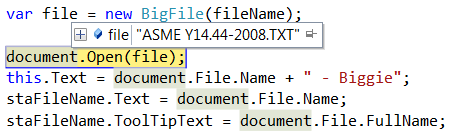
Quite often I see code that overrides ToString() just for the sake of a tooltip when debugging. Don’t misunderstand me, I like a good tooltip but, if that is single reason for override, there is other way to do it.

.NET has [DebuggerDisplay](http://msdn.microsoft.com/en-us/library/x810d419.aspx) attribute. Simple class could implement it like this:

[DebuggerDisplay(&quot;Text={Text} Value={Value}&quot;)]
internal class XXX {
    public string Text { get; private set; }
    public float Value { get; private set; }
}

And that will result in debugging tooltip Text="MyExample" Value=3.34. Not too shabby. But what if we want our display without quotes and with different rounding rules?

There comes in expression parsing part of that attribute. Anything withing curly braces ({}) will be evaluated. So let’s change our example to:

[DebuggerDisplay(@&quot;{Text + &quot;&quot; at &quot;&quot; + Value.ToString(&quot;&quot;0.0&quot;&quot;)}&quot;)]
internal class XXX {
    public string Text { get; private set; }
    public float Value { get; private set; }
}

This expression will result in tooltip that shows MyExample at 3.3. And I see that as an improvement.

Nice thing never comes without consequences. In this case advanced formatting is dependent on language used. If you stick to single language you will not see anything wrong. However, if you mix and match (e.g. C# and VB) you might end up in situation where DebuggerDisplay expression is evaluated by language currently being debugged regardless of language which it was written in.

I usually ignore that risk for sake of convenience.

P.S. And anyhow worst thing that could happen is not seeing your tooltip in very rare situations. Your actual program will not be affected in any manner.

Programming Windows

Illustration

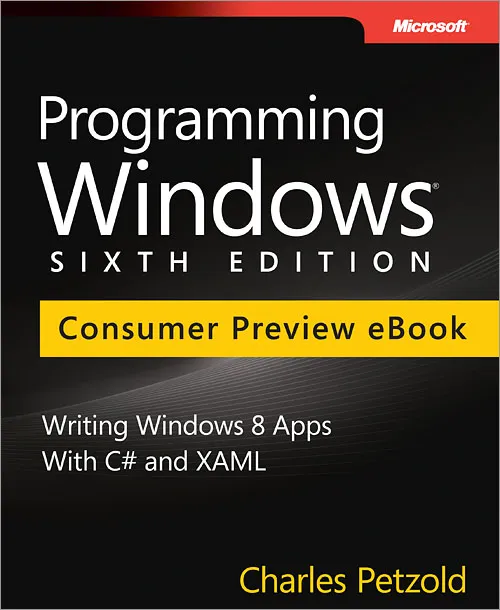
One book that brought me into Windows programming was Programming Windows by Charles Petzold. While examples were C-based actual theory was mostly language-agnostic. APIs tend to work the same whether you do it in C or VB.

If you had any interest in Windows API, I do not think that there was a better source at the time. Unfortunately this great book died after 5th edition (Windows XP based).

Well, book is back from retirement and this time it deals with Windows 8. It will be published in November at price of $50. However if you buy it before May 31st 2012, you can grab it for a $10. I would call that a good deal.

I already ordered my copy.

P.S. I must warn you that this book is very distant relative to original series at the best. Instead of low-level programming you will get XAML and panes. However, Petzold is known for good books and that alone should justify $10.

P.S. If you are interested in real C++ programming book, do check Professional C++.